Auto Project Setup
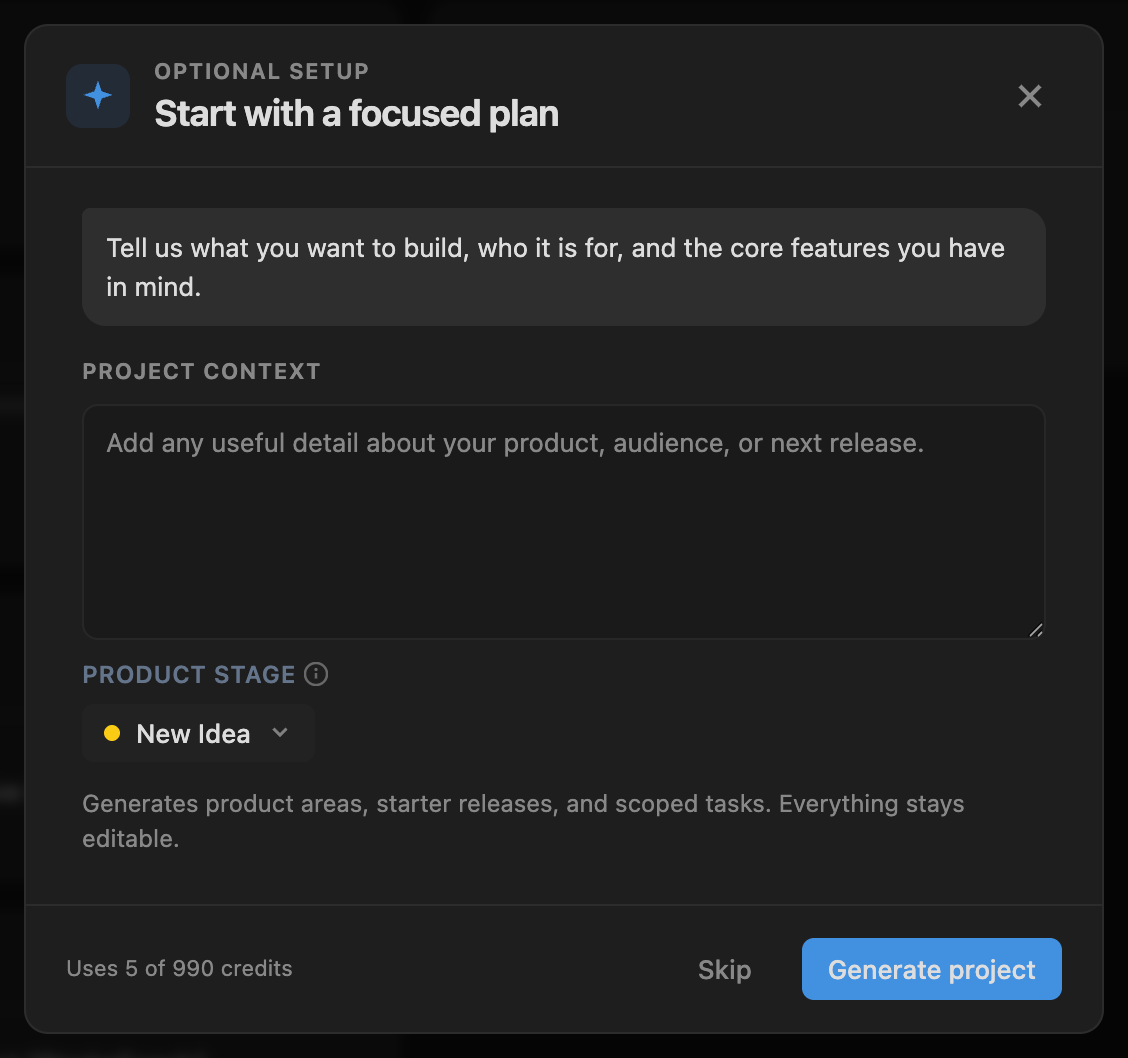
New projects now open as soon as you create them. You can rename things, invite people and write tasks without waiting for AI setup, which is now an optional step.
If you want help, the AI setup flow opens once the project exists. Describe the product, review the generated areas, releases and starter tasks, then apply the plan.
A starter workspace you can edit
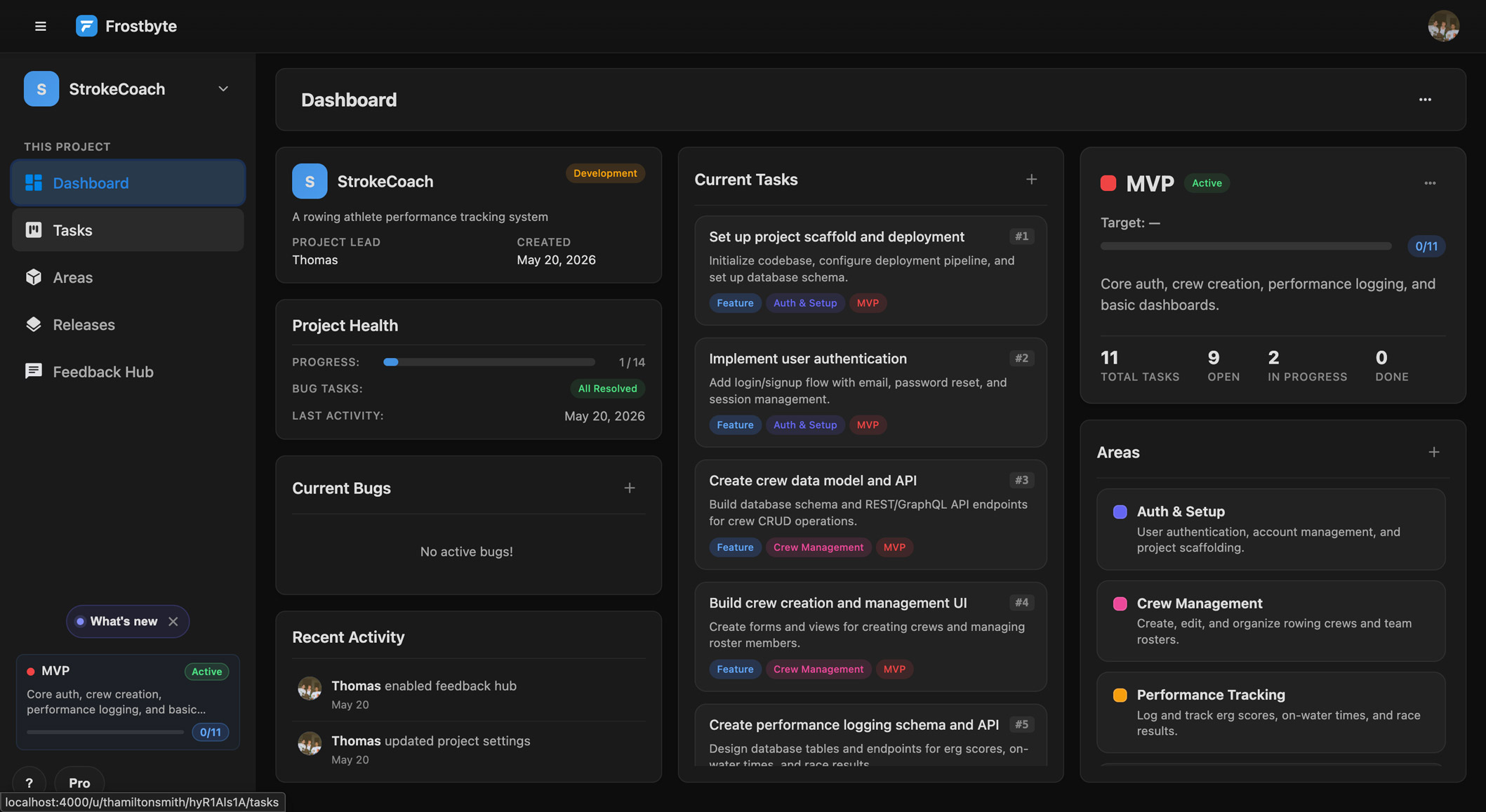
After setup runs, the project has scoped tasks, product areas and an active starter release. All of it is editable.
Setup can fail without breaking your project
If a setup run fails or has to roll back, the project stays usable and the modal tells you how to retry.
Before saving generated work, Frostbyte checks it against your plan's area and release limits and tells you if it won't fit.
New features 3
- New projects open before optional AI setup begins Projects
- AI setup modal for generating starter areas, releases and tasks after the project exists AI Setup
- Generated work rolls back when it can't be applied cleanly AI Setup
Improvements 3
- Generated work is checked against your plan's area and release limits before saving Billing
- AI setup retry and error states say what to do next AI Setup
- AI setup modal works better with keyboards and screen readers Accessibility
Bug fixes 1
- A failed AI setup run no longer leaves the new-project flow stuck AI Setup