Agent Setup and Task Activity
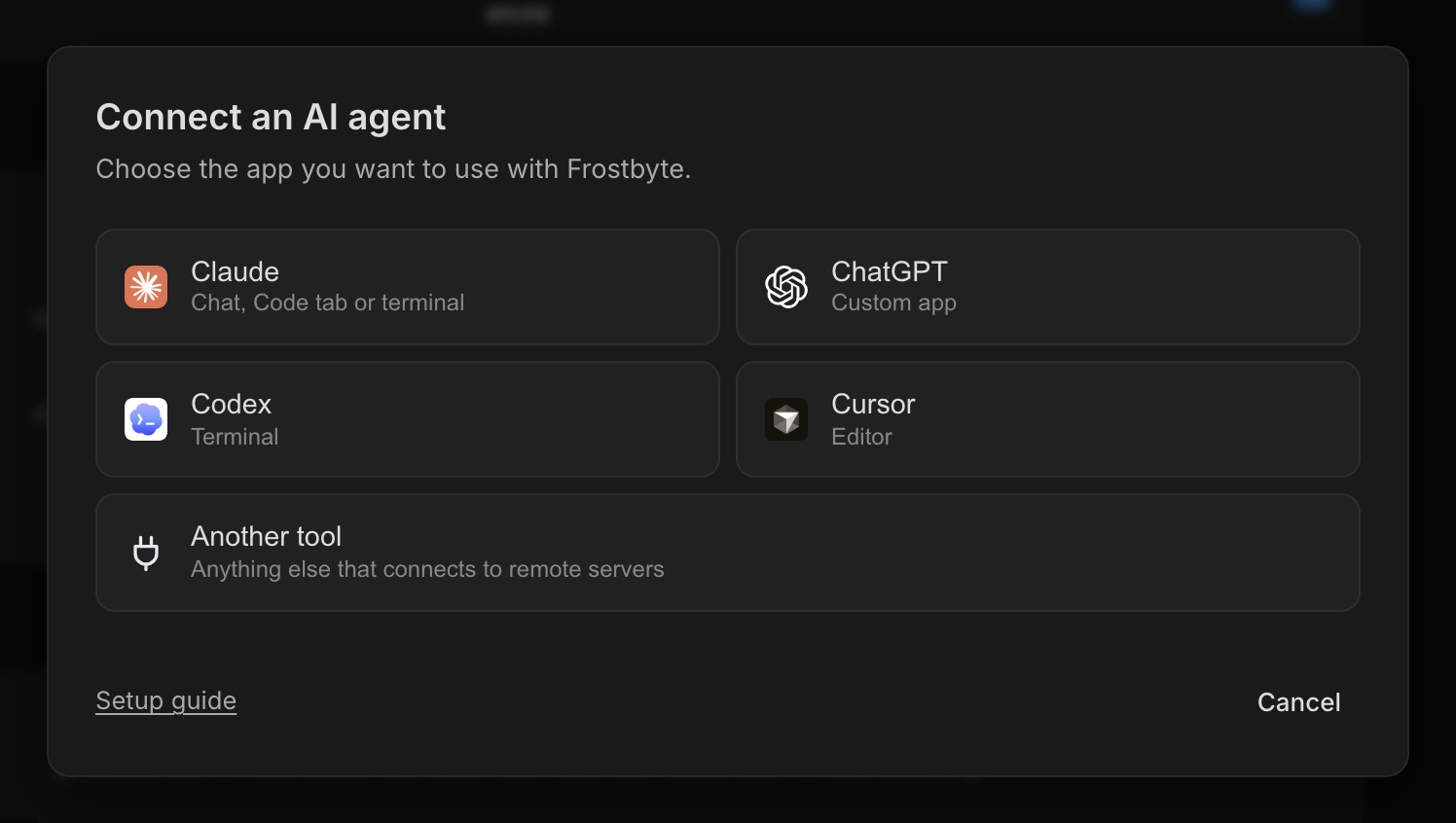
Settings → AI agents now starts by asking which tool you use: Claude Code, the Claude desktop app, Codex, Cursor or another MCP tool. Each one gets at most three steps with a copy button, and the token is already filled in for you.
The dialog waits for your agent's first call and then shows Connected. The Connect your agent step in the setup checklist opens the same dialog, and ticks itself off once your agent has been in touch.
Agents can also do more once they're connected. They can read task and signal attachments, clear a task's release or area, set a release's launch date, and delete tasks, areas or releases after you confirm in chat. Task, release and area names in their replies link straight to Frostbyte.
Comments and more than one assignee
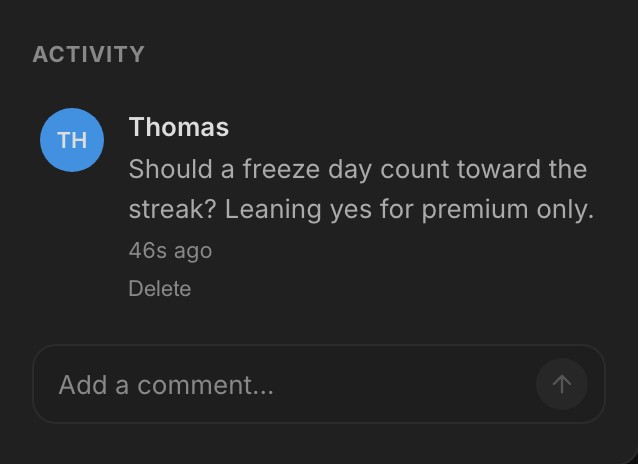
Tasks have comments. Type at the bottom of Activity, press Enter to send and Shift+Enter for a new line. Your agent's decisions land in the same thread with an Agent badge, long notes fold to two lines with Show more, and the list of changed files folds behind a count.
A task can be assigned to several people. Their avatars stack on the card, and assignee changes sync to linked GitHub issues.
Find work and keep releases tidy
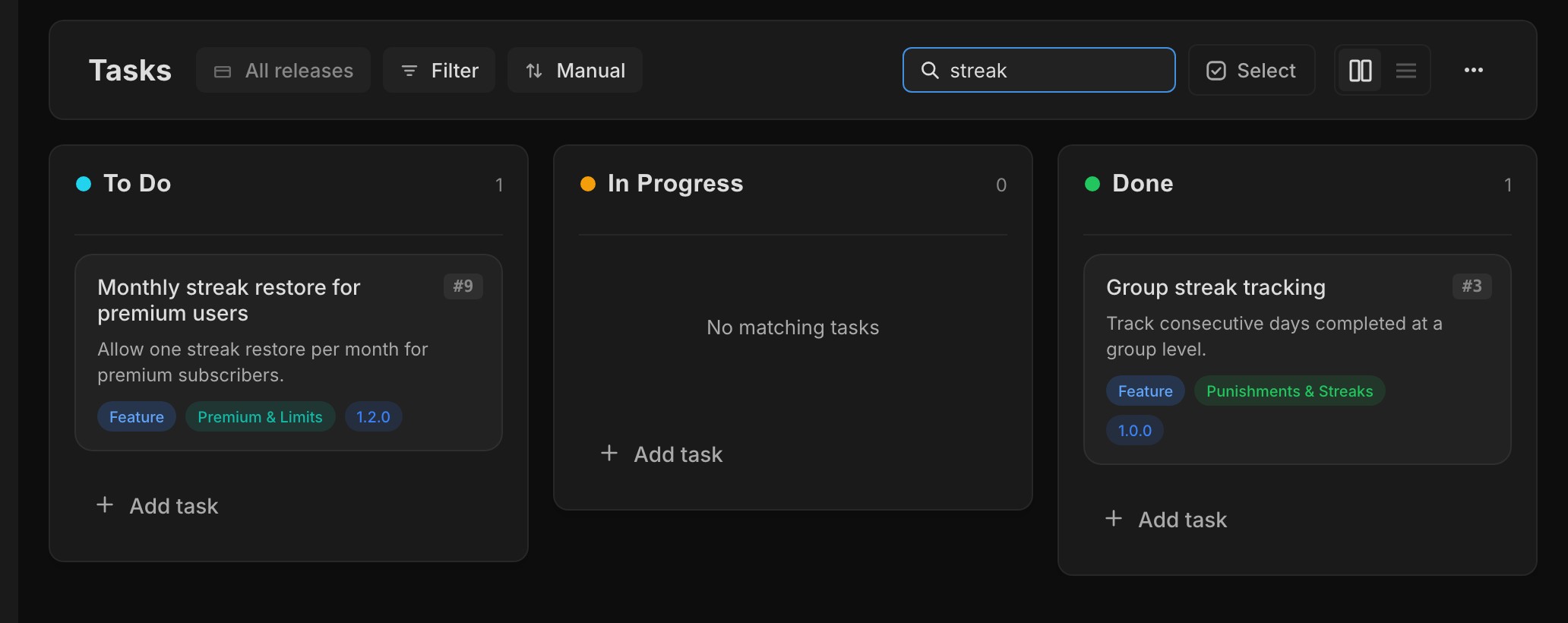
The Tasks page has a search box that narrows every lane to tasks whose title matches. A lane with no matches says so.
New tasks still join the active release by default. If you'd rather they start in the Backlog, turn off Add new tasks to the active release in Settings → Preferences. Completed releases are folded away in release pickers, and creating a release is one short flow.
New features 8
- Pick your tool and follow up to three steps to connect your agent Agent
- Comments on tasks, in the same Activity thread as agent decisions Tasks
- Assign several people to a task Tasks
- Search tasks in a project Tasks
- Add new tasks to the active release, a personal setting in Settings → Preferences Settings
- Paste an image into a task to attach it Tasks
- Agents can read attachments, set launch dates, and delete tasks, areas and releases after confirming MCP
- Open task counts on the Projects page Projects
Improvements 10
- Completed releases are folded away in release pickers Releases
- Creating a release is one flow, and empty Areas and Releases pages show a preview with a create button Releases
- Every planning change is recorded in Activity Tasks
- Attachments show as larger previews Tasks
- Create more shows Task created as soon as you press it Tasks
- Members can see a project's About page, export it and leave it Projects
- The GitHub connection explains what happened and how to fix it when something fails GitHub
- Task, release and area names in agent replies link to Frostbyte Agent
- The project name and icon sit beside the menu button on mobile Navigation
- Larger tap targets in pickers and agent replies Navigation
Bug fixes 9
- Tasks you take out of a release no longer drift back into the active one Releases
- An invite to a full project shows a clear screen instead of failing Projects
- The sidebar fits the screen on iPhone Navigation
- Release picker menus stay inside the task modal on mobile Releases
- The keyboard stays down when the Agent opens on mobile Agent
- First-use tips sit inside the dialog on mobile Onboarding
- Product context fits phone screens Projects
- Buttons on mobile size to their label Navigation
- The pull request icon is drawn correctly GitHub