Quick Edit and Chat Connections
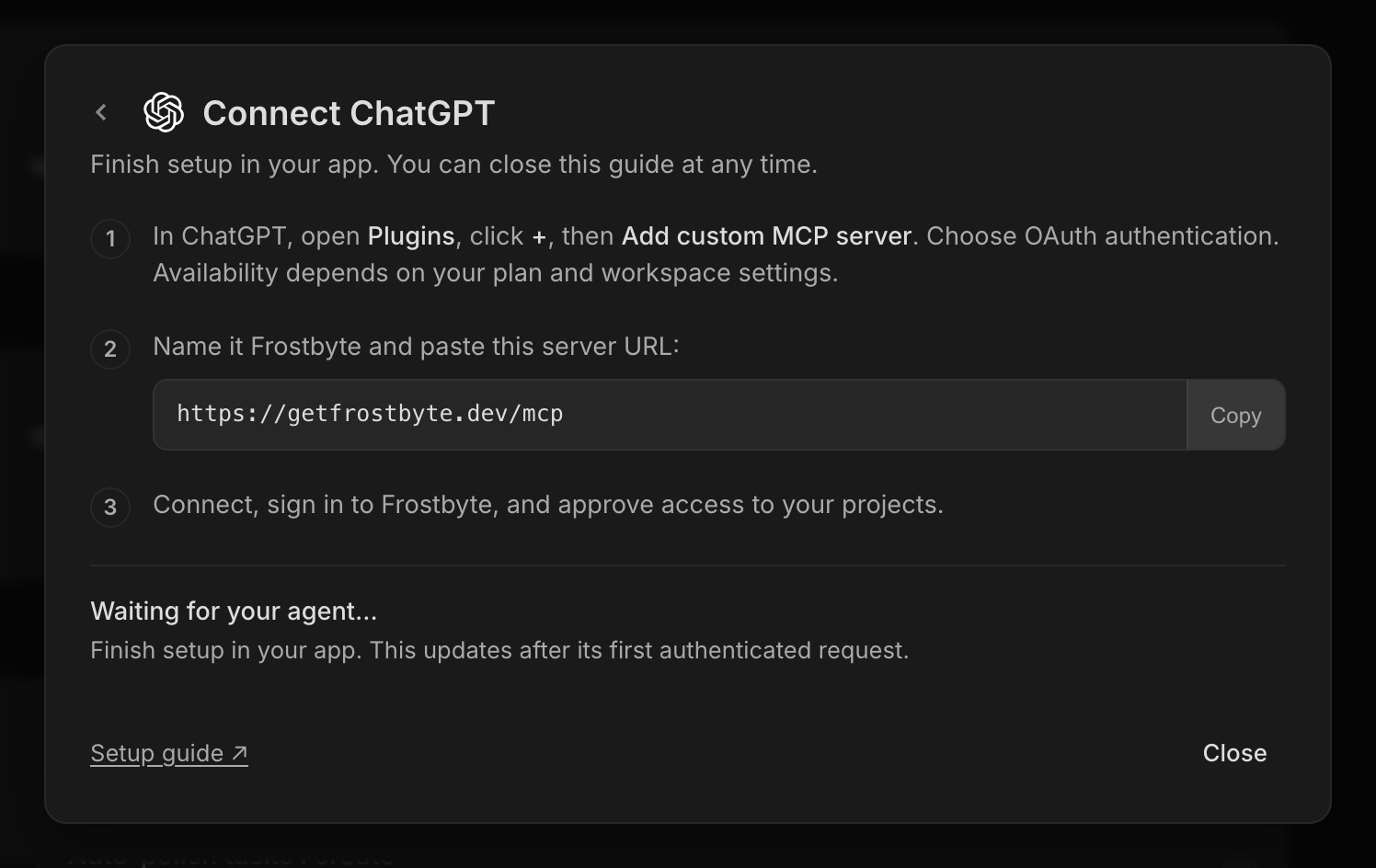
Claude chat and ChatGPT can now connect to Frostbyte without a token. Open Settings → AI agents, pick one, add the MCP URL as a custom connector in that app, then sign in to Frostbyte and approve access.
Each connection shows up in Settings next to your tokens, with the app's name, and you can revoke it there. Claude Code, Codex and Cursor still connect with a token, the same way as before. This launched on Indie and above and is now on every plan, Free included.
Quick edit covers more of the task
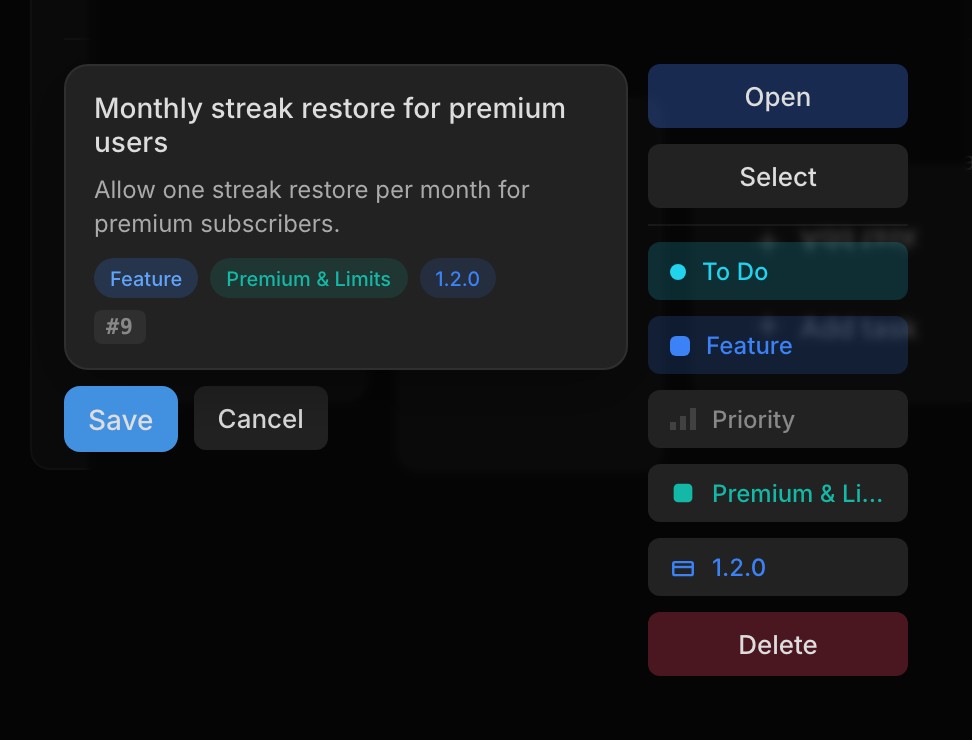
Quick edit now has the description, area and release alongside status, type and priority, so most small changes no longer need the full task modal. Saved changes show on the card straight away and don't flicker back while the save finishes.
It opens on whichever side of the card has room. On phones it's off, and tapping a card opens the task as usual.
Help while you write a task
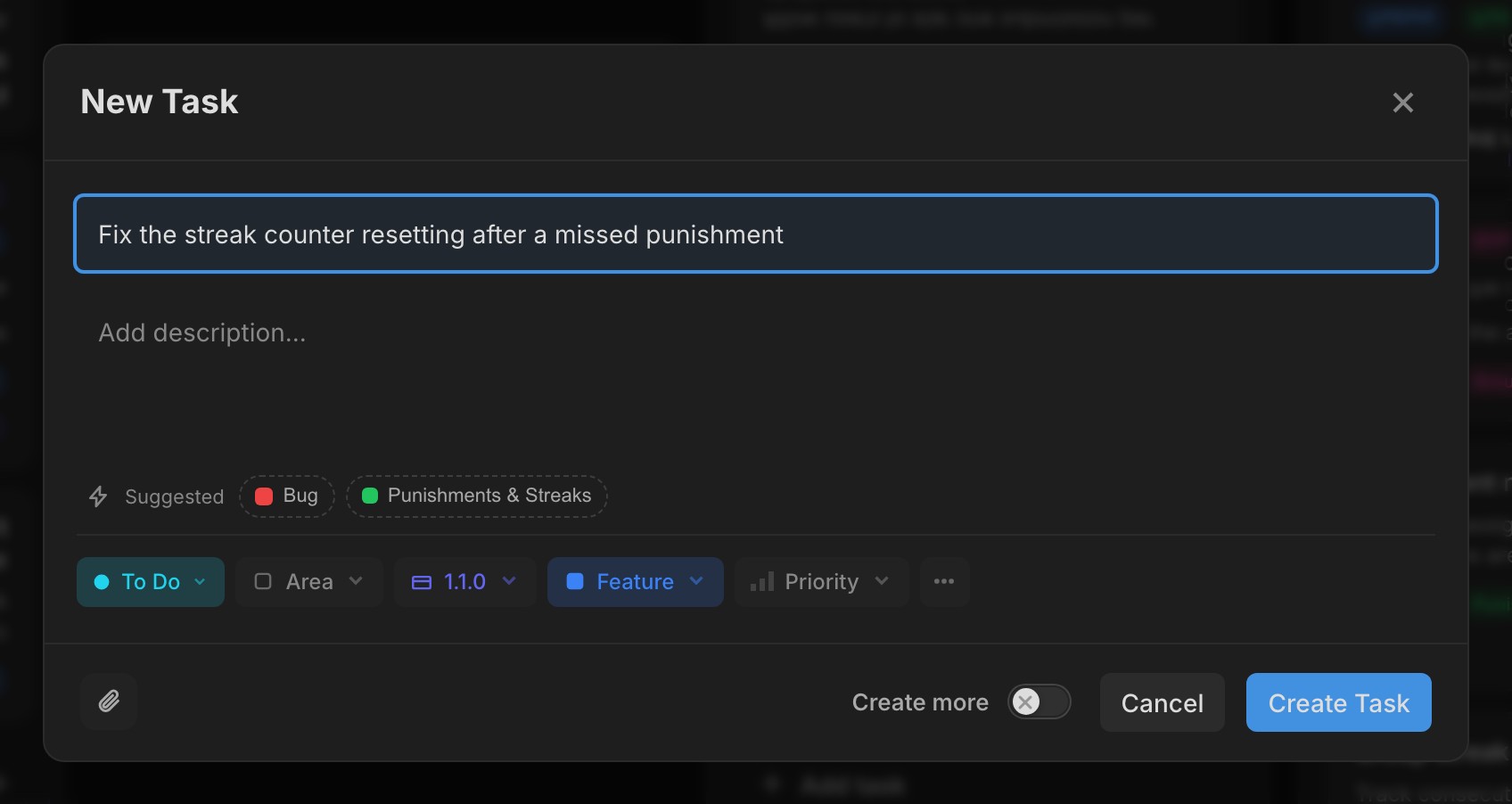
As you type in New task, Frostbyte suggests a type, area and release as chips under the title. Tap one to use it. It never changes something you've already set yourself.
Polish task is in the New task modal too, so you can tidy the title and description before creating it. If you'd rather it happened every time, turn on Auto-polish tasks I create in Settings → Preferences. Each polish uses about one AI credit from the project.
New features 8
- Connect Claude chat and ChatGPT by signing in, with each connection listed in Settings Agent
- Type, area and release suggestions while you write a new task Tasks
- Polish task in the New task modal Tasks
- Auto-polish tasks I create, under Settings → Preferences Settings
- Description, area and release in quick edit Tasks
- Copy prompt in the task ⋯ menu, ready to paste into your coding agent Tasks
- One image viewer for task attachments and changelog images, with arrows between images Tasks
- With release sync on, pull requests that reference tasks in one release get its milestone GitHub
Improvements 8
- Portal settings are split into tabs with switches, and the widget has a live preview Feedback Portal
- Implementation notes hold up to 8,000 characters Tasks
- The active release note is now a one-time tip in the release picker Releases
- Images show as thumbnails with a small spinner while they upload Tasks
- Removing an attachment asks first Tasks
- Polish progress sits in the task modal header, so nothing shifts while it runs Tasks
- Dragging a task in a sorted column shows where it will land Tasks
- Task Activity is tighter, with larger comment avatars Tasks
Bug fixes 3
- The connect dialog no longer opens twice from Settings Agent
- Tab order in quick edit matches the layout Tasks
- Quick edit keeps focus on touch screens Tasks